

Sinking Funds Spreadsheet in Excel and Google Sheets
Sinking Funds Spreadsheet in Excel and Google Sheets
Couldn't load pickup availability
Sinking Funds - If you want to save up for something like a new car, a new home, or a fun vacation, this savings planner is here to assist you. It helps you reach your savings goals by showing you how much money to save and how often.
As you save money, the graphs will update by themselves, which can keep you motivated! Save some money each month for upcoming expenses, so you don't have to spend a lot at once. Start saving for your family vacation, Christmas gifts, and home remodel.
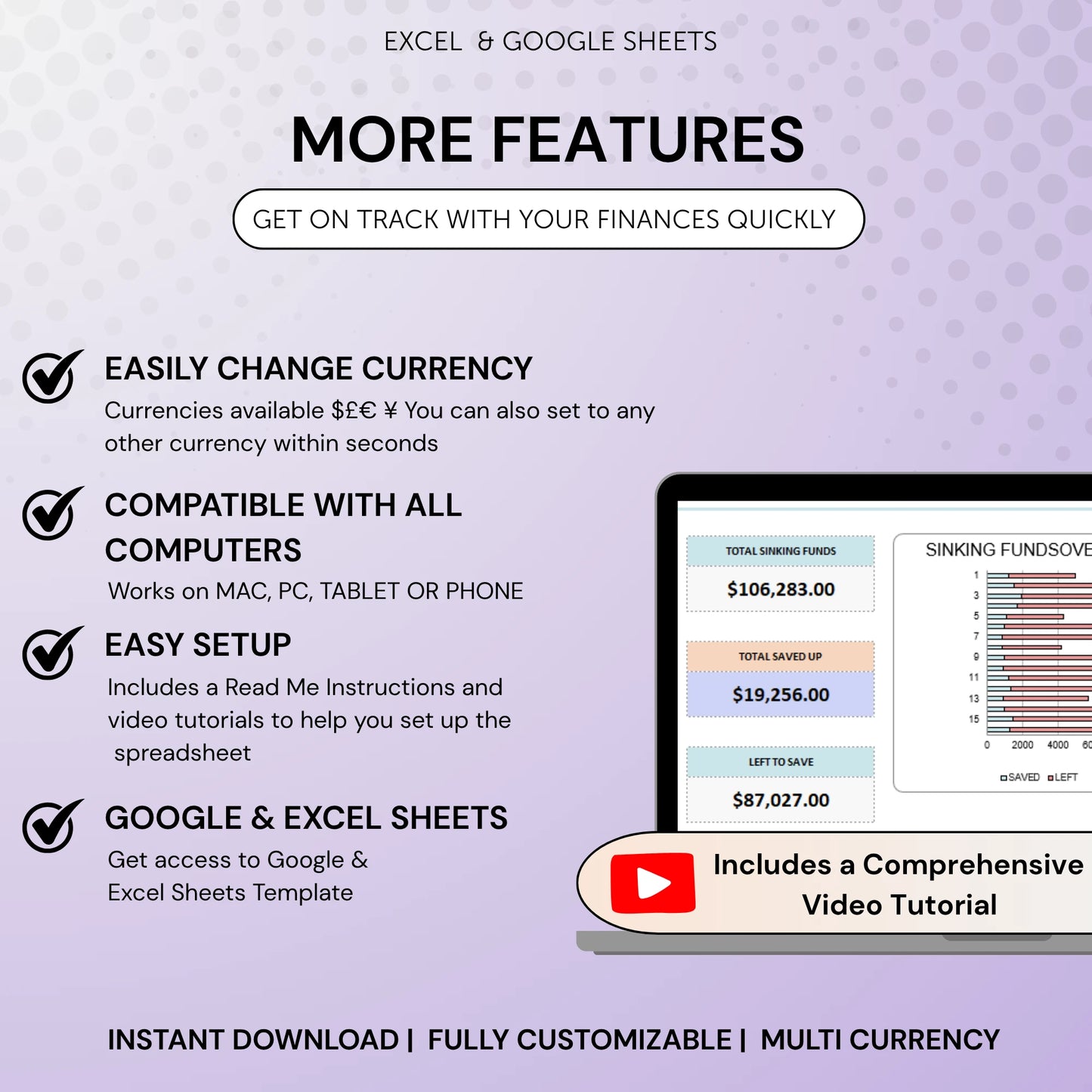
With this spreadsheet, you can see how much you've already saved for each goal and how much more you need to save. The spreadsheet is simple and easy to use. Just enter your savings information, and the spreadsheet will do the rest. It works with any currency, and it can automatically calculate your savings. You can see your finances in charts and tables, and you can sync the spreadsheet across multiple devices
| RECEIVE YOUR BENEFITS |
INSTRUCTIONS - Detailed guide, video tutorial and a sample spreadsheet with mockup data
SETUP TAB - Quick-start tab for configuring your spreadsheet
SINKING FUNDS DASHBOARD - Upto 40 Sinking funds - Fully Customize for more funds, Easily Set and adjust your saving targets for each sinking fund based on your unique needs.
CONTRIBUTIONS TRACKER - Automatically sync your contributions with your funds overview table, making tracking your progress even easier.
BONUS BUDGETING GUIDE AND CHECKLIST - Control your assets & liabilities and Grow your wealth like a pro!
| FEATURES |
• Pleasing aesthetics - who says budgeting can't be visually appealing?
• Automatic calculations - focus on your finances instead of equations.
• Thoughtfully organized content - no more cluttered and unnecessary tabs.
• Optimized for desktop but accessible on mobile devices.
• Can be used for any year.
Get Yours Today!
Frequently asked questions
Instantly — as soon as your payment is confirmed, the download link is sent directly to your email. No waiting, no account needed.
We accept all major credit cards, PayPal, Shop Pay, Apple Pay, and Google Pay. All transactions are SSL encrypted and secure.
You get lifetime access to all updates. When a template is updated, we notify you via the email used at checkout — no extra charge, ever.
Yes — every template is fully unlocked. Change the language, currency, colors, formulas, and layout to fit your exact needs.
Yes — every template includes both an Excel (.xlsx) version and a Google Sheets version. Both are fully functional and ready to use.
Our 24/7 live chat support team is here to help. Every template also comes with a step-by-step setup guide included in the download.

Sinking Funds Spreadsheet in Excel and Google Sheets